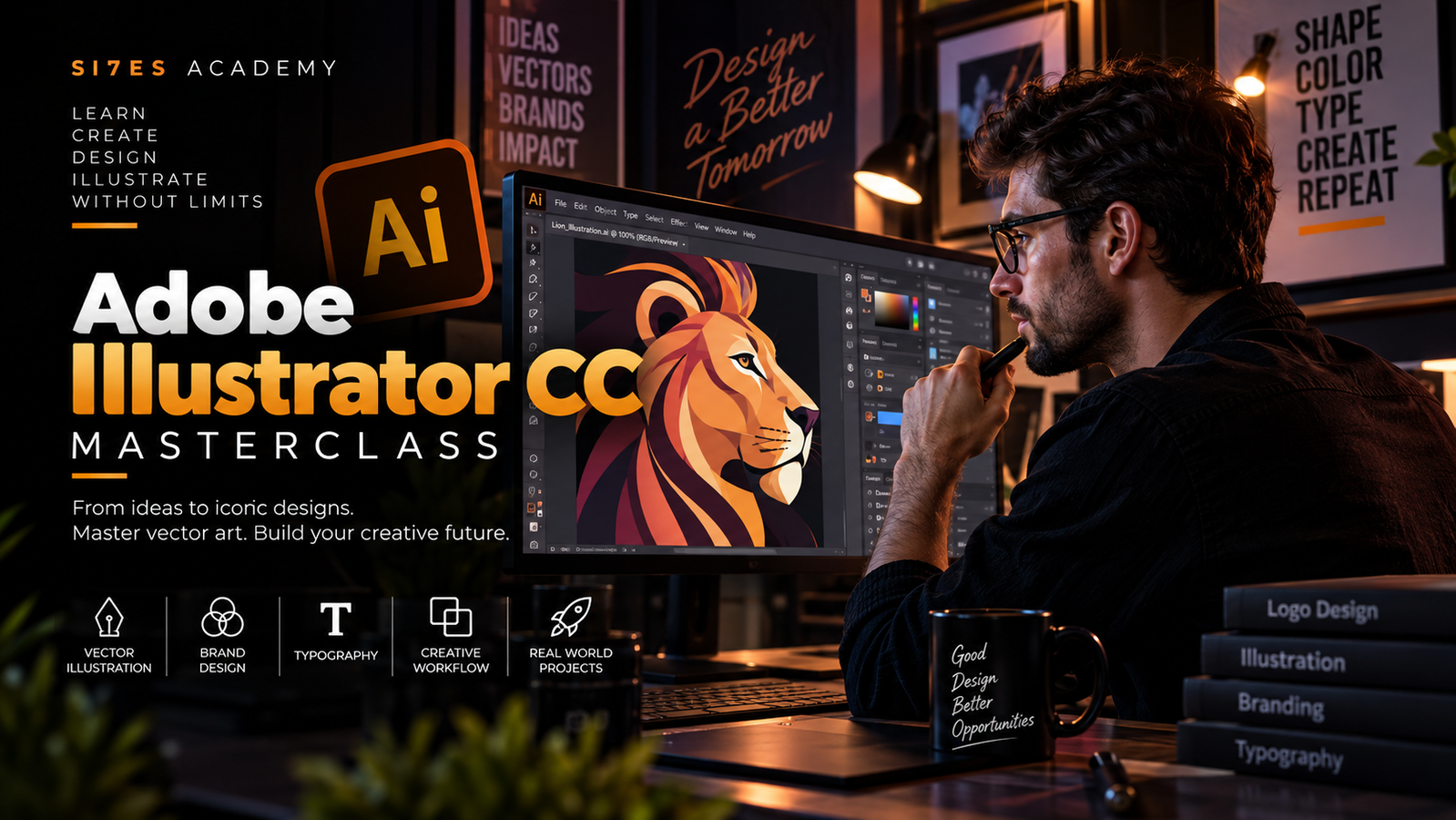
Navigate Adobe Illustrator and build an efficient vector design workflow.
Curso
Adobe Illustrator CC Masterclass: Vector Design from Beginner to Advanced
Master Adobe Illustrator through practical projects in vector drawing, typography, color, masking, patterns, branding, and professional design workflows.
Corporate StoreAcademia · Responsable del curso
Beginner41 lecciones6 h 8 minEN
Lo que vas a lograr
Al finalizar este curso serás capaz de:
Create and manipulate vector shapes, paths, and illustrations.
Use Illustrator's drawing tools and brushes with confidence.
Create custom artwork from simple geometric forms.
Work effectively with typography, fonts, and curved text.
Build and apply professional color palettes.
Contenido del curso
8 módulos · 41 lecciones · 6 h 8 min
Welcome to Adobe Illustrator CC
3 minIncluidaDownloading & Installing Adobe Illustrator
1 minIncluidaGetting Started with Illustrator
8 minIncluidaBuild a strong foundation in vector drawing by learning how Illustrator's essential drawing tools work. Create shapes, custom artwork, illustrations, and brush-based designs while developing confidence with paths and vector construction.
Drawing with Shapes & Basic Vector Tools
23 minIncluidaImproving & Refining Your Illustrations
7 minIncluidaCreating a Modern Vector Design
10 minIncluidaDrawing a Custom Vector Shape
5 minIncluidaDrawing a Custom Vector Shape
13 minIncluidaDrawing with Illustrator's Shape Tools
13 minIncluidaDrawing with Precision Tools
13 minIncluidaDrawing with Reference Images
13 minIncluidaUsing Brushes in Illustrator
13 minIncluidaUsing the Width Tool
9 minIncluidaLearn how typography and color shape effective visual communication. Work with type, curved text, font customization, color modes, palettes, and reusable color themes.
How to Use Type in Adobe Illustrator
14 minIncluidaCreating & Editing Curved Type
13 minIncluidaBreaking Apart & Customizing Type
4 minIncluidaUnderstanding RGB & CMYK Color
4 minIncluidaFinding & Using Color Inspiration
4 minIncluidaCreating Professional Color Themes
5 minIncluidaBuilding & Applying Custom Color Palettes
6 minIncluidaTake greater control of your artwork with masking techniques and reusable creative assets. Learn how to create complex compositions while organizing your workflow with Creative Cloud Libraries.
Masking Images & Artwork in Illustrator
7 minIncluidaCutting Holes & Creating Compound Shapes
11 minIncluidaWorking with Creative Cloud Libraries
10 minIncluidaExpand your creative toolkit with Illustrator effects, distortion techniques, repeating patterns, vectorization, and custom stencil workflows.
Using Liquify & Distortion Effects
8 minIncluidaBend & Warp Effects in Illustrator
6 minIncluidaCreating Organic & Abstract Artwork
5 minIncluidaCreating Repeating Patterns
9 minIncluidaVectorizing Images & Artwork
12 minIncluidaBuild a faster professional workflow using Adobe Capture, reusable templates, and Illustrator's export tools. Learn how to move creative assets between applications and prepare finished artwork for real-world use.
Using Adobe Capture with Illustrator
11 minIncluidaFinding & Using Free Illustrator Templates
4 minIncluidaExporting Artwork for Digital Use
6 minIncluidaExporting Illustrator Files for Professional Use
5 minIncluidaPut your Illustrator skills into practice by recreating recognizable logos and brand graphics. Analyze shapes, typography, color, and construction techniques to understand how professional vector identities are built.
Recreating the Mastercard Logo
5 minIncluidaRecreating the Instagram Logo
8 minIncluidaRecreating the Kodak Logo
11 minIncluidaRecreating a Geometric Brand Mark
11 minIncluidaRecreating a Modern Flame Logo
6 minIncluidaRecreating the BP Logo
8 minIncluidaIllustrator Cheat Sheet & Essential Shortcuts
10 minIncluidaBonus Software & Creative Resources
2 minIncluidaCourse Conclusion & Next Steps
33 minIncluidaAcerca de este curso
Master Adobe Illustrator and turn your creative ideas into professional vector artwork. In Adobe Illustrator CC Masterclass: Vector Design from Beginner to Advanced , you'll develop a complete practical workflow for creating illustrations, graphics, typography, patterns, and brand assets using Adobe Illustrator. You'll begin by setting up Illustrator and learning the fundamentals of vector drawing. Through hands-on exercises, you'll develop confidence working with shapes, paths, drawing tools, brushes, and other essential techniques before progressing into typography and color. As your skills develop, you'll explore masking, Creative Cloud Libraries, effects, patterns, vectorization, Adobe Capture, and reusable templates. You'll learn how these tools work together to create a faster, more flexible professional design workflow. The course then moves beyond individual tools into practical application. You'll learn how to prepare and export artwork correctly and complete real-world exercises by recreating recognizable visual designs, helping you understand how professional vector artwork is constructed from basic shapes, color, typography, and precise visual decisions. Throughout the course, you'll learn how to: • Navigate Adobe Illustrator and set up an efficient workspace • Create and manage vector documents • Draw and manipulate vector shapes and paths • Build custom illustrations from simple geometric forms • Work with brushes and creative drawing techniques • Use typography and fonts effectively • Transform and customize type • Build and apply professional color palettes • Work with masks and compound shapes • Organize creative assets using CC Libraries • Create effects, patterns, and repeating artwork • Vectorize artwork and transform raster references into vector designs • Use Adobe Capture as part of your creative workflow • Work with professional templates • Export Illustrator artwork for different uses • Apply your skills to real-world logo and brand recreation exercises By the end of the course, you'll have a strong practical understanding of Illustrator and a repeatable workflow for creating professional vector graphics, illustrations, brand assets, and digital designs.
Requisitos
- A computer capable of running Adobe Illustrator.
- Access to Adobe Illustrator CC.
- An internet connection for Creative Cloud features and course resources.
- The included exercise files are recommended for completing the practical projects.
Conocimientos previos
- No previous Adobe Illustrator experience is required.
- Basic computer and file-management skills are recommended.
- An interest in graphic design, illustration, branding, or digital art.
¿Para quién es este curso?
- This course is ideal for aspiring graphic designers, illustrators, content creators, marketers, entrepreneurs, students, and creative professionals who want to develop practical Adobe Illustrator skills for vector illustration, branding, typography, and professional graphic design.
Aprende con
Corporate StoreAcademia responsable de este curso
Reseñas de estudiantes
Opiniones de personas que realmente cursaron este contenido.
—
0 reseñasTodas las reseñas están vinculadas a una inscripción válida. La academia puede responder, pero no modificar la valoración del estudiante.
También puedes explorar
Ver cursos
Smart Buy · 69.99 SB
Advanced White Hat Hacking: Ethical Hacking & Penetration Testing Masterclass
76 lessons5h 4m

Smart Buy · 49.99 SB
Intro to Bug Bounty Hunting and Web Application Hacking
81 lessons5h 2m

Smart Buy · 39.99 SB
Bug Bounty Hunting Masterclass: Web Security & Ethical Hacking
71 lessons3h 19m

Teams
CURSO DE MAESTRÍA DE CEREMONIAS
13 lessons1h 37m
Smart Buy · 39.99 SB
Canva Mastery: Design, Brand & Create Like a Pro
32 lessons1h 59m
Smart Buy · 14.99 SB
DesignBold Essentials: Create Professional Graphics with Ease
7 lessons32m
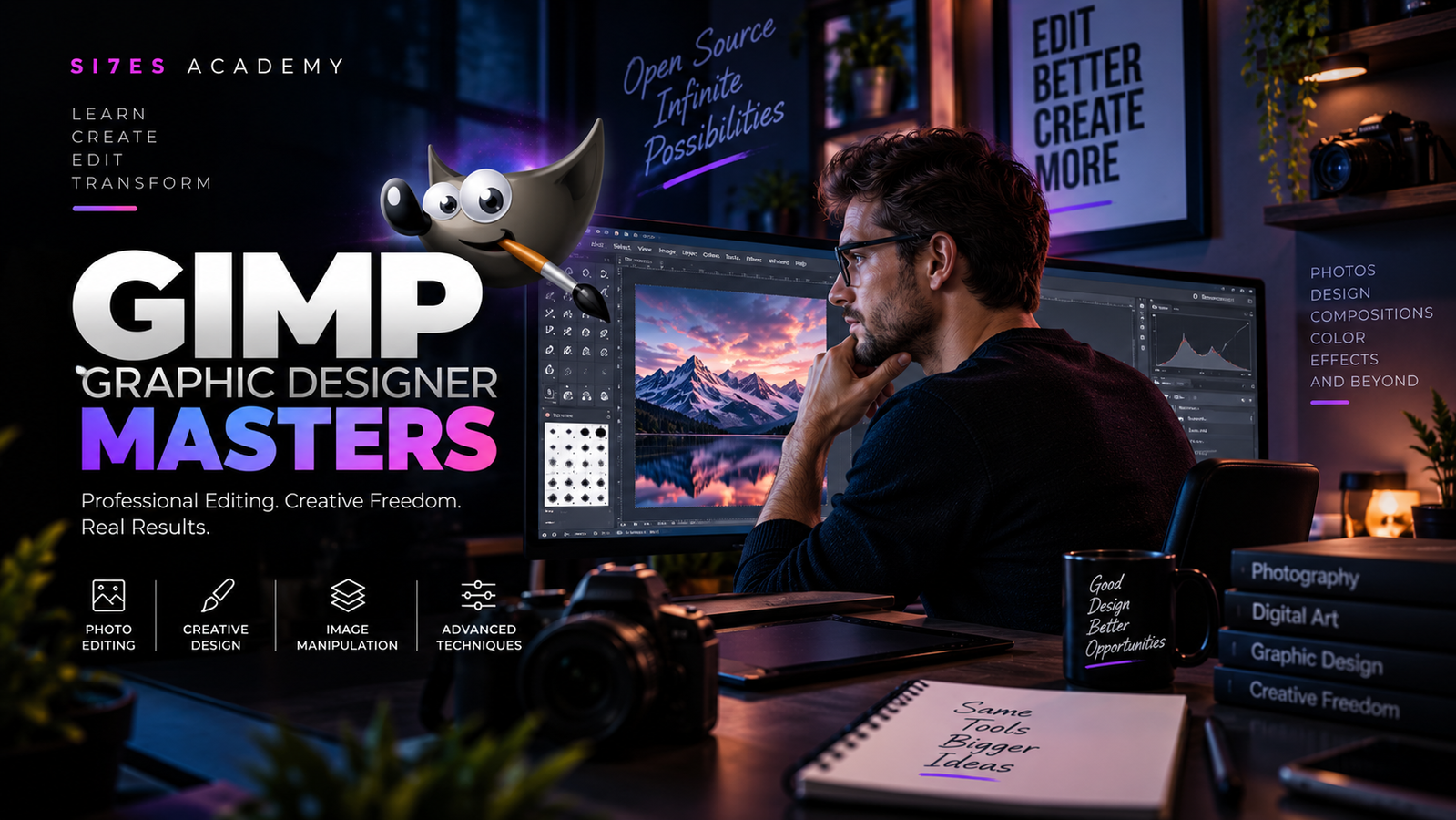
Smart Buy · 19.99 SB
GIMP Graphic Design Mastery: Photo Editing & Creative Design
19 lessons48m